early access · v0.1 · iOS 18.2+ & macOS 15.2+

Build, run,
and stream Xcode
from anywhere.

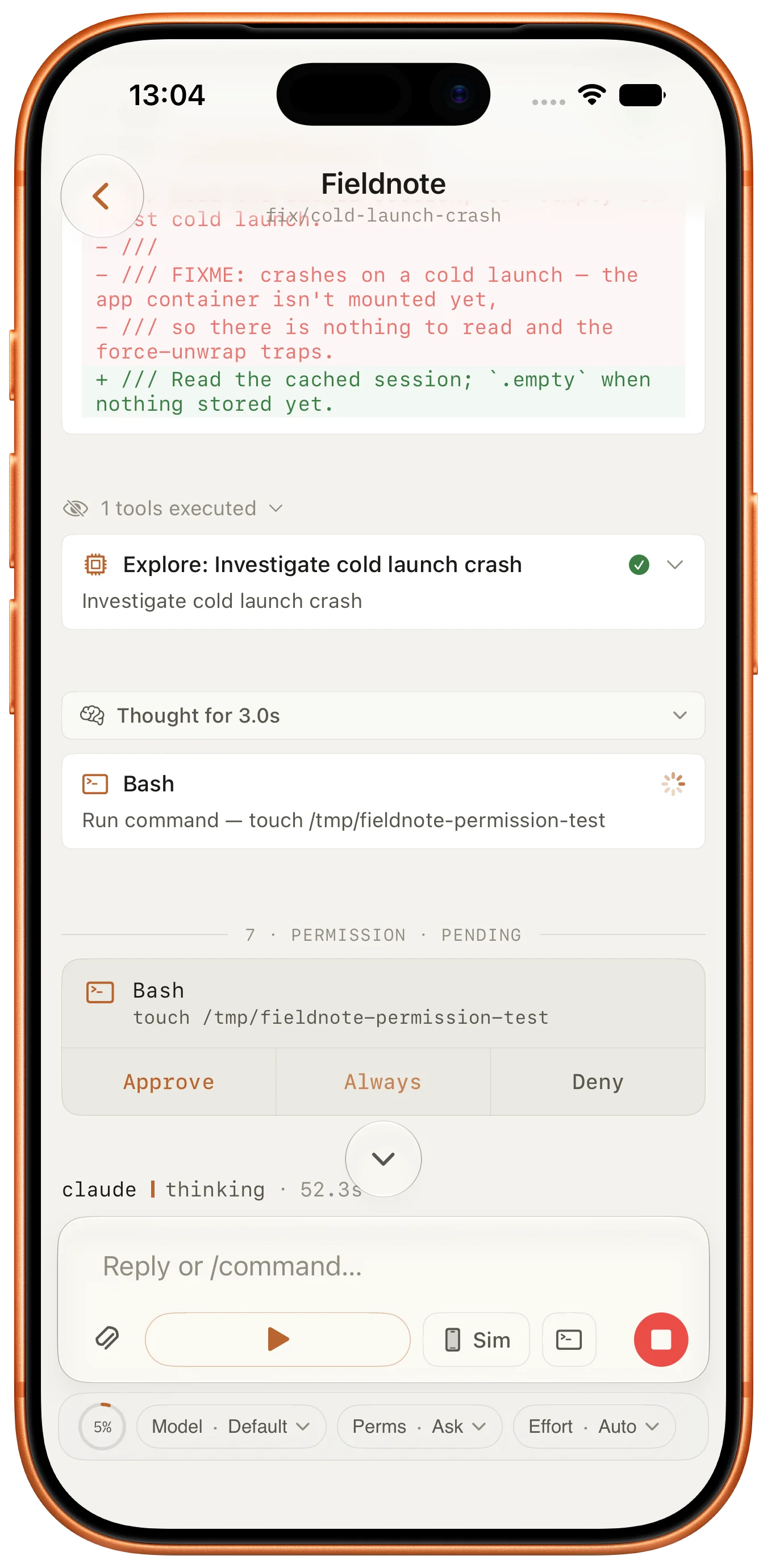
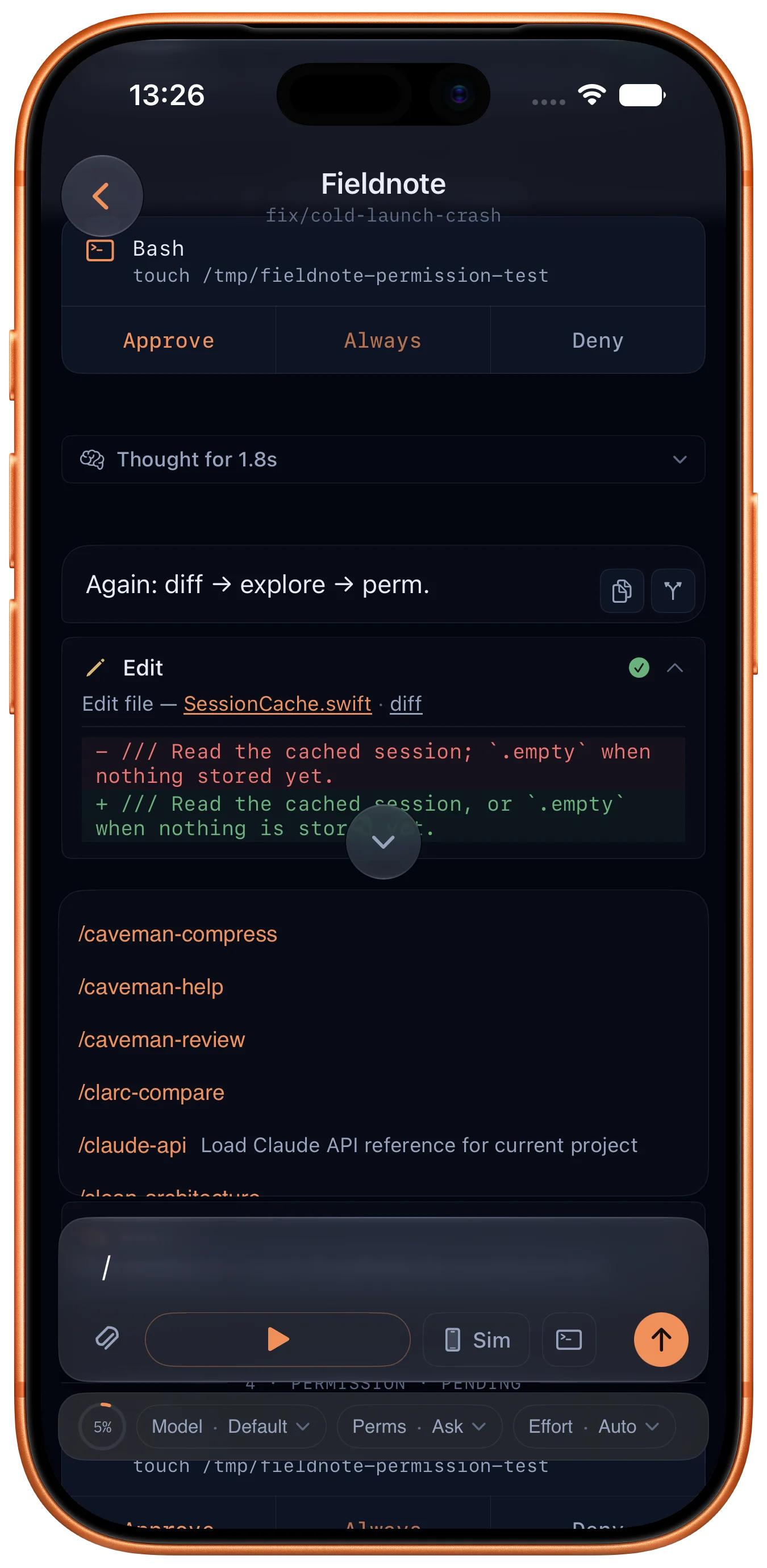
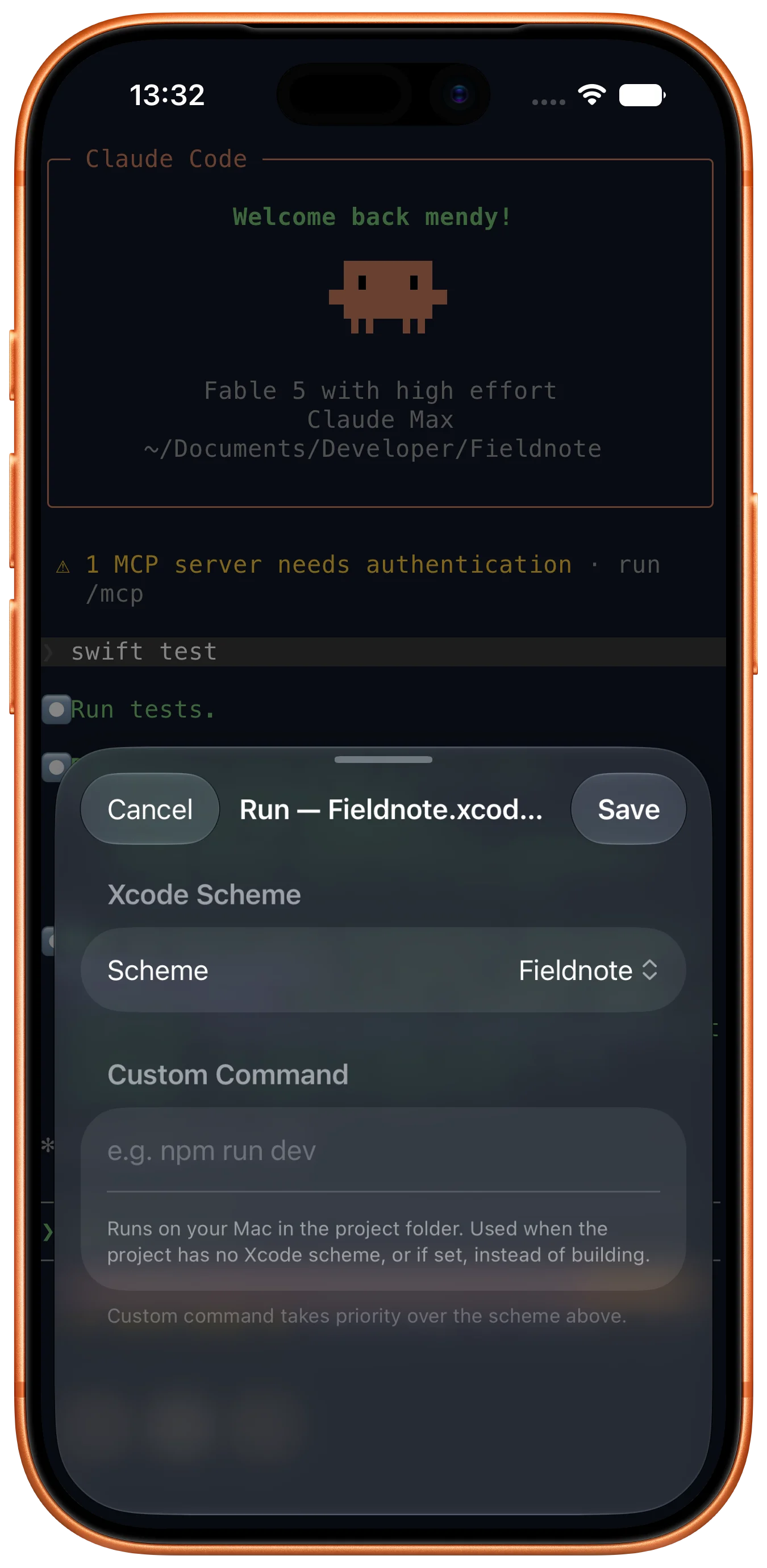
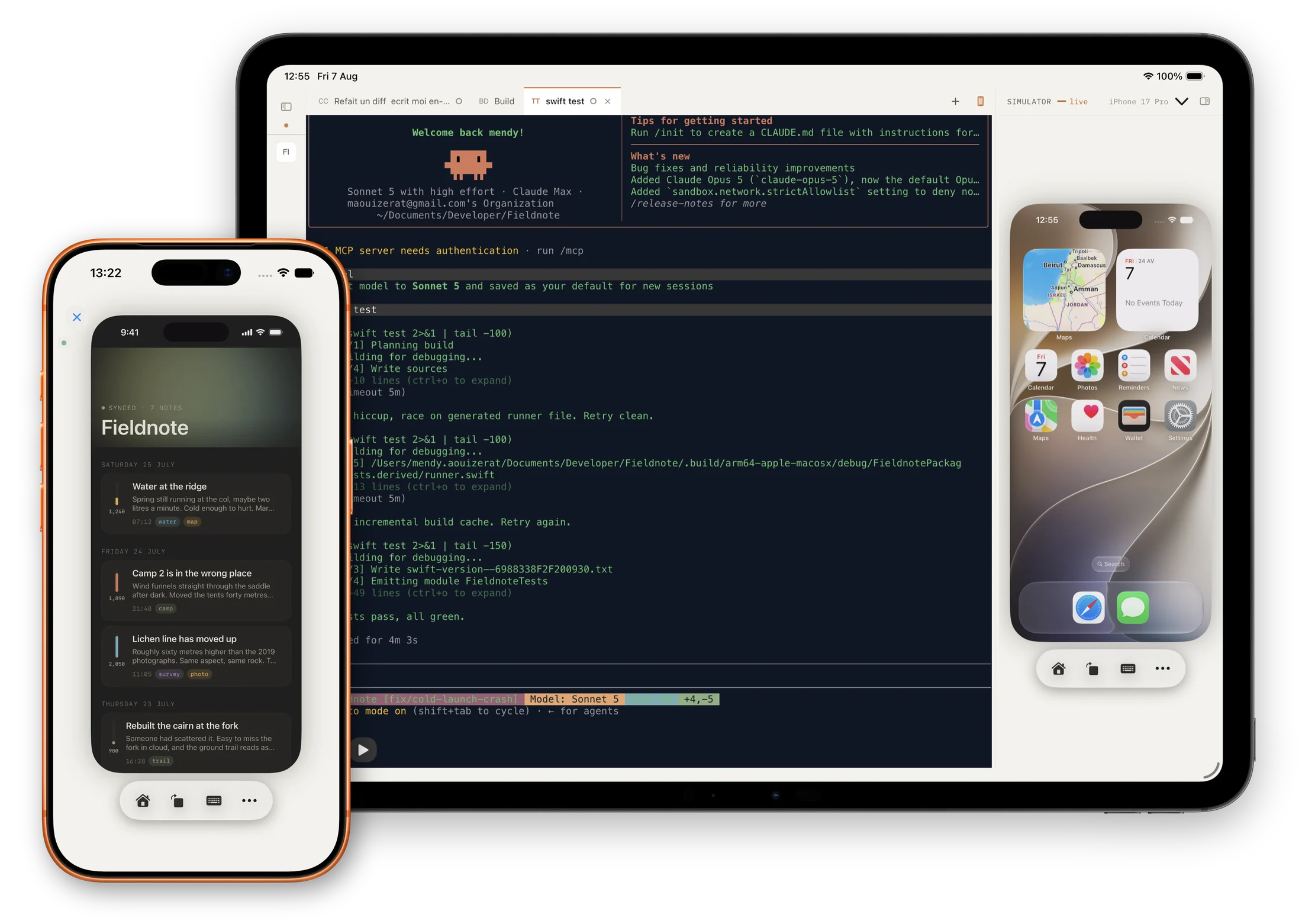
Xtend turns your iPhone into a remote for your Mac. Browse projects, kick off builds, pick a simulator, and watch it stream live to your hand — over Wi-Fi, over LTE, anywhere on the open internet. Your dev environment, off the desk.

iOS 18.2+·macOS 15.2+·Xcode 16.2+

Xtend Xtend
Build tab Simulator tab Sessions tab

The dev tools that didn't fit on your desk.

Xtend pairs a lightweight Mac server with an iOS client. Anything you'd reach for in Xcode — projects, builds, simulators, terminal — now lives in your pocket.

01 · Build

Pick a project, hit Run

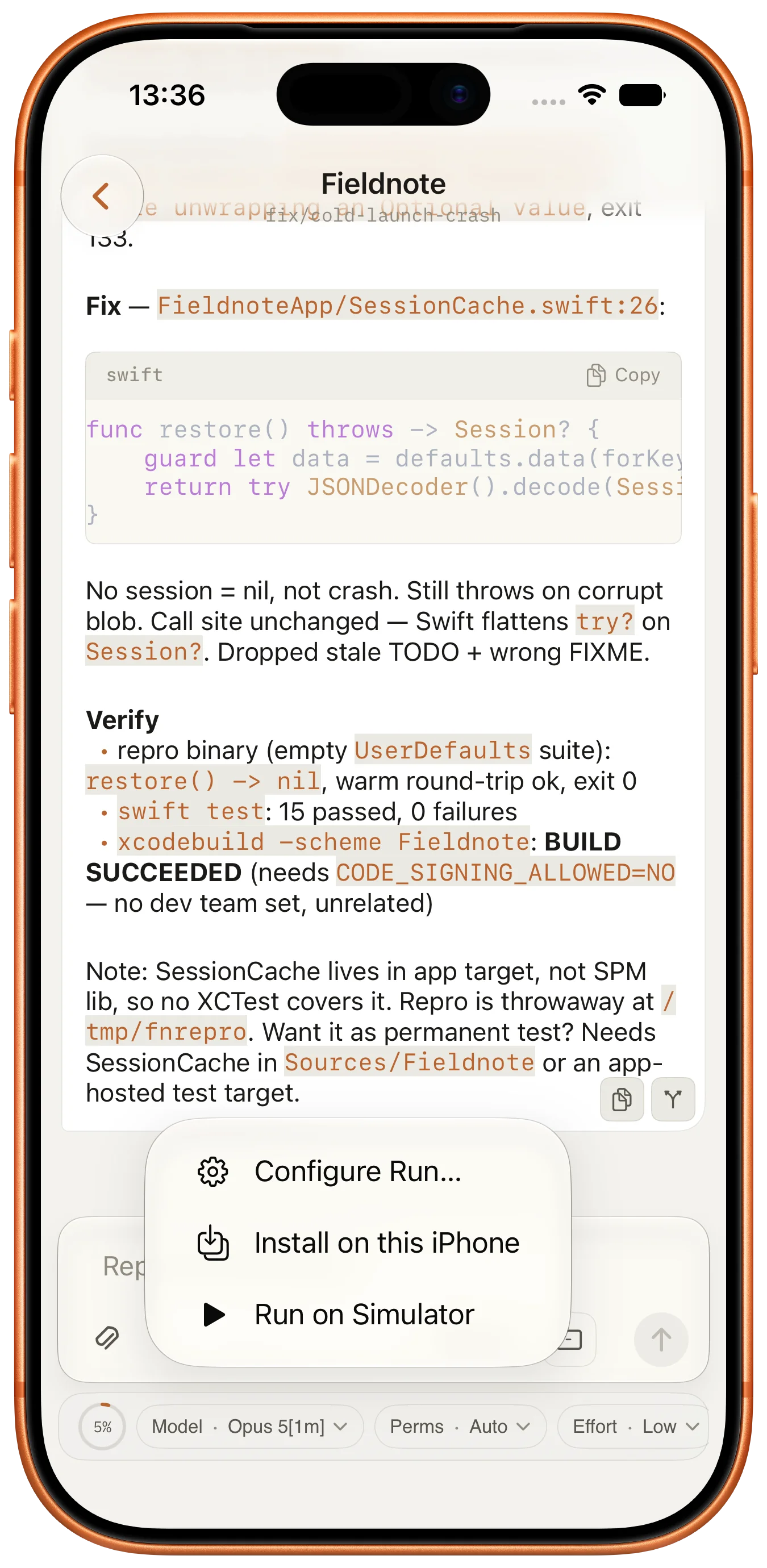
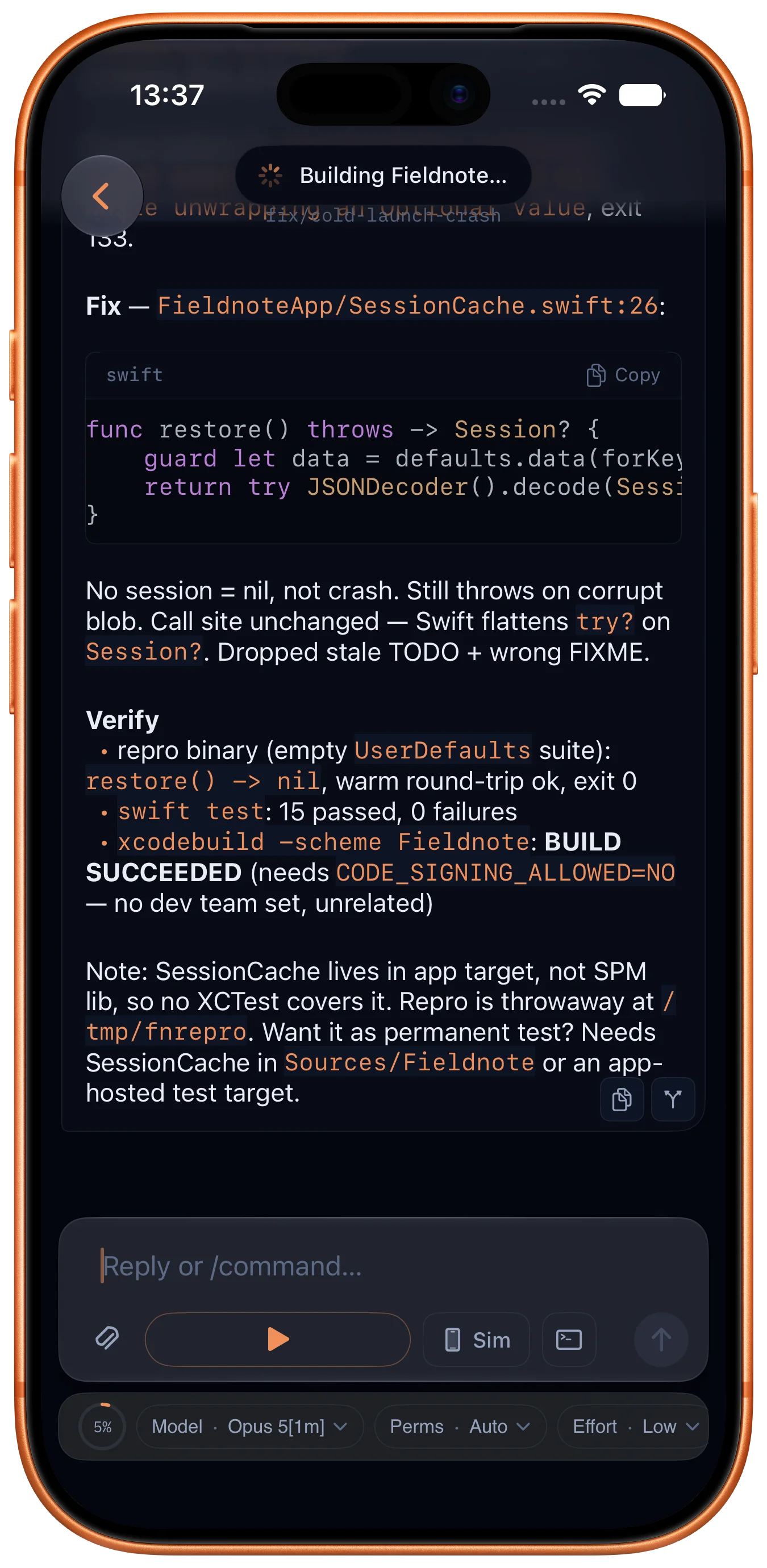
Browse .xcodeproj files on your Mac, choose a scheme, pick a simulator, and trigger Build & Run from your phone. Live build logs and issue counts as it compiles.

Build tab — active build Build tools menu
02 · Session

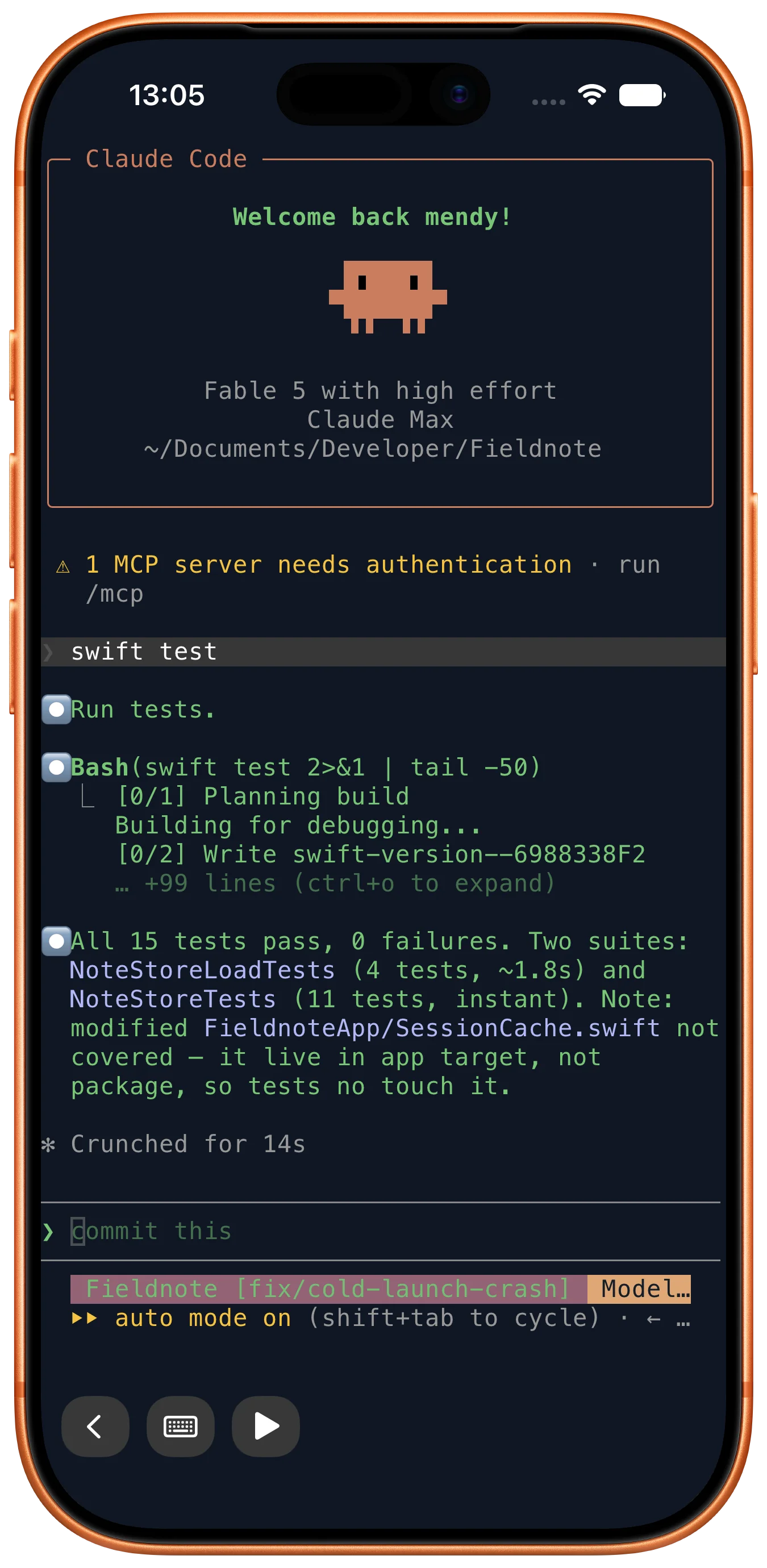
Terminal in your pocket

A real shell on your Mac, streamed to your phone. Run scripts, peek at logs, fix a build — without walking back to your desk. Zsh, bash, fish — your shell, your .zshrc.

Terminal running Claude Code
03 · Stream

Simulator, live

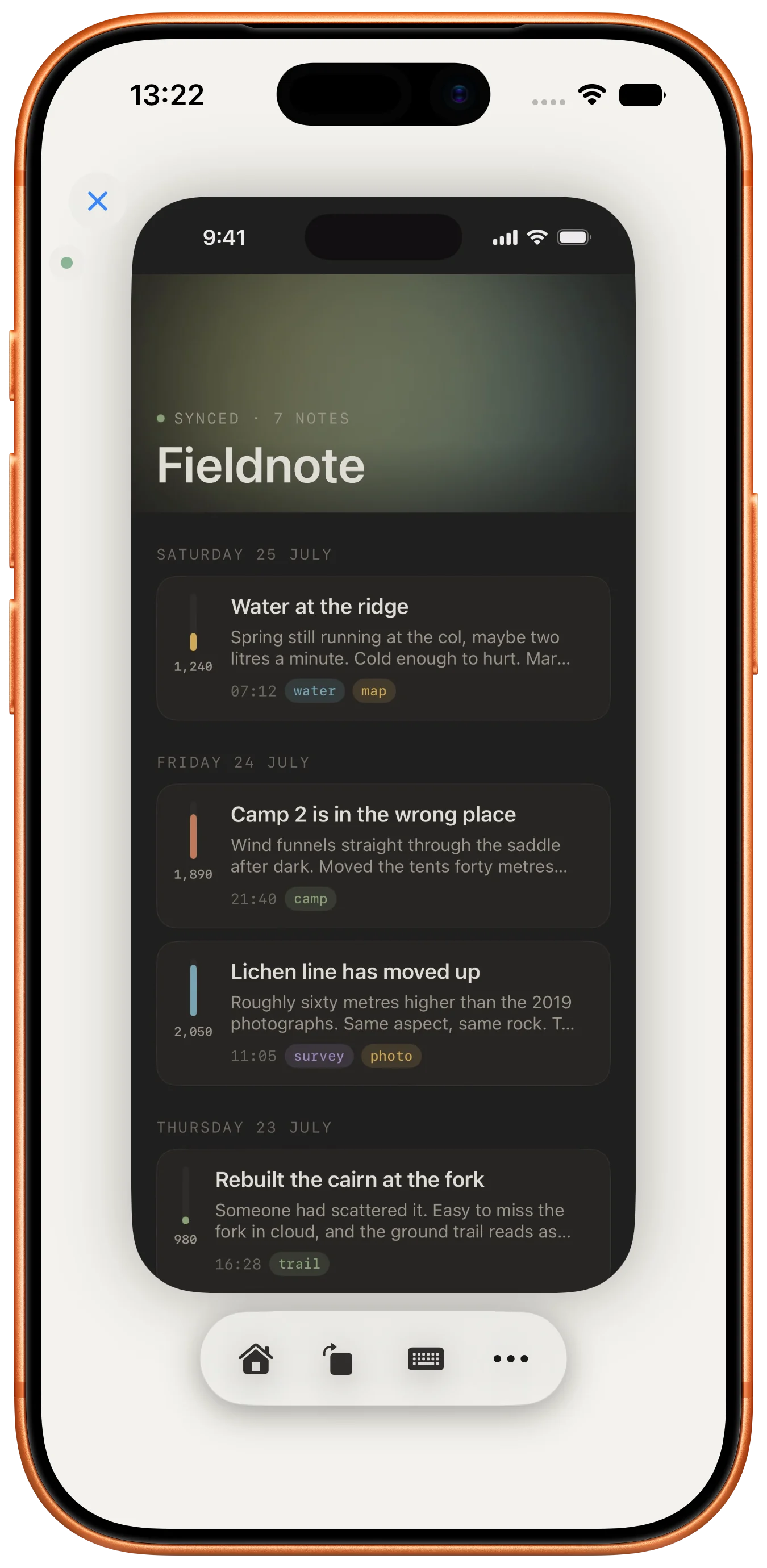
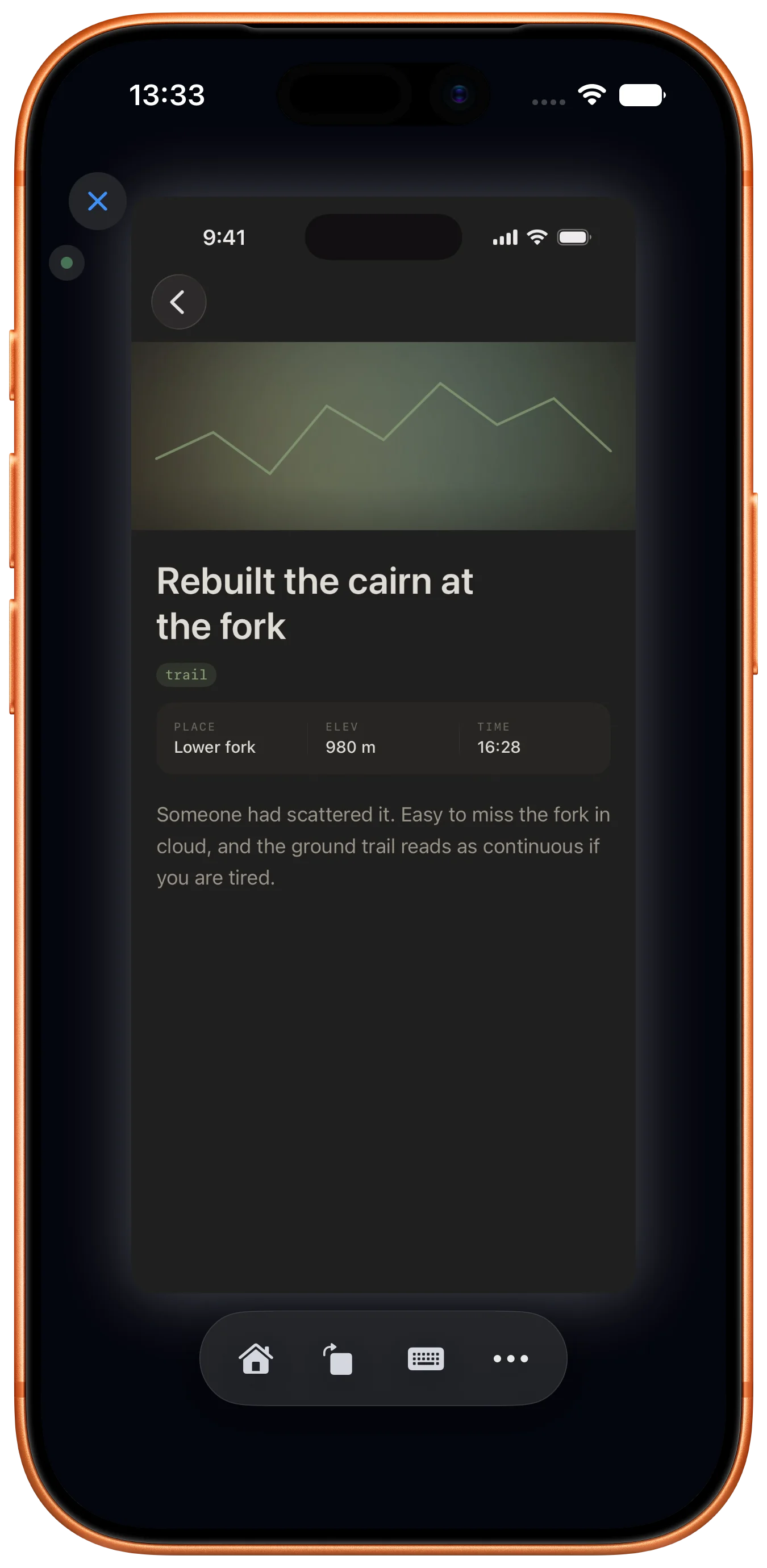
Your Mac's iOS Simulator, streamed to your iPhone. Tap the screen on your phone, the simulator on your Mac responds. Like screen-mirroring, but bidirectional.

Simulator tab — live stream with context menu
Xtend is waiting — notification
04 · Session

Agent done? You'll know.

When a command finishes — a build, a test suite, an AI agent — Xtend detects the prompt and pushes a notification. Tap to jump to the session.

Active sessions
05 · Session

Sessions that survive

Close the app, lock your phone — sessions keep running on the Mac.

Bonjour discovery
06 · Settings

One-tap setup

Sign in with Apple on both devices — the iPhone discovers your Mac automatically via Bonjour. No IP, no pairing code, no server URL.

Xtend Host menu bar
07 · Mac

Lightweight Mac server

A menu-bar app. Pick a simulator, start the server. Stays out of your way.

08 · Remote

Beyond the local network

Encrypted WebRTC peer-to-peer between your iPhone and Mac. TURN relay fallback when direct P2P is blocked by NAT. The first paid feature.

included in Premium

Free while it's cooking.
Paid only for the hard part.

Same Wi-Fi? Free, forever. Different network? That's the paid part — WebRTC signaling and a TURN relay (for when direct P2P is blocked by NAT) both cost money to run, so off-network is the one thing we charge for. Everything else stays free.

Local
When your phone and Mac share a Wi-Fi
$0/ forever
Sign in with Apple. No telemetry. No third-party analytics.
  • Browse, build & run any Xcode project
  • Live build logs and issue counts
  • Persistent terminal sessions on your Mac
  • Notifications when commands finish
  • Filesystem browser with "Open Terminal Here"
  • Simulator stream over local network
  • Light & dark themes
Get notified at launch
Coming soon
Remote
When you're not on the same network
$4.99/ month
1-week free trial. Auto-renews via Apple, cancel anytime in Settings. Pricing may vary by region.
  • Everything in Local
  • Encrypted WebRTC peer-to-peer (TURN relay fallback)
  • Build & stream from your home Mac, anywhere
  • End-to-end DTLS-SRTP — TURN sees encrypted bytes only
  • Persistent sessions across networks
Notify me when it ships →

What's shipped, what's next.

Honest accounting of where Xtend is today and where it's headed. Dates aren't promises — software ships when it ships.

✓ Available
  • Mirror your simulator to iPhone
  • Run builds and watch live logs
  • Terminal sessions from your phone
  • Cellular & remote mirroring (Premium)
◌ Coming
  • Multiple Macs per account
  • Session recordings
  • Team accounts

Things people actually ask.

How does it actually work?+

Two apps: a Mac companion (menu-bar) and an iOS client. They pair through Sign in with Apple, then open an end-to-end encrypted WebRTC connection between your iPhone and your Mac. On the same Wi-Fi the connection is direct host-to-host. Off your local network, ICE negotiates a NAT-traversal path; if direct P2P is blocked, the apps fall back to a Cloudflare TURN relay. Either way the media (video, touches, terminal, build commands) is protected by DTLS-SRTP — only your iPhone and your Mac hold the keys.

Why isn't the Mac side on the App Store?+

The Mac companion reads from your Xcode projects, drives xcodebuild, and captures the simulator window. Those operations sit outside the Mac App Store sandbox, so the Mac app will be distributed directly from this site at launch. The iOS client ships through the App Store as normal.

Does it replace Xcode?+

No — Xcode does the actual building. Xtend drives it from your phone. Think of Xtend as a remote control that exposes the parts of Xcode you'd want when you're not at the keyboard: trigger a build, watch it run, peek at the simulator, hop into a terminal.

Will my data leave my machine?+

Sign in with Apple is required so the iPhone can find the Mac that belongs to your account — that single auth handshake goes to our server. Beyond that, your simulator stream, terminal data, and build commands flow directly between your iPhone and your Mac over end-to-end DTLS-SRTP — our signaling server only relays the initial WebRTC handshake, not media. When you're off your local network, a Cloudflare TURN relay forwards encrypted bytes only; it can never decrypt your session. No analytics, no telemetry, no third-party SDKs in either app.

How much does Premium cost?+

$4.99 / month with a 1-week free trial. Billing is handled entirely by Apple through the App Store — you can cancel any time in Settings → your Apple ID → Subscriptions. Local-network mirroring stays free; Premium unlocks the cellular / remote-network path. Pricing may vary by storefront.

When does Xtend launch?+

Both Local and Remote tiers are built and bundled into the app. We're preparing for App Store submission; the Mac companion will follow at the same time. Drop your email below and you'll get a single message the moment the first build is ready.

Be the first to know.

Xtend is in early development. Drop your email and you'll get a single message the moment the first build is ready — nothing else, no list.

No newsletter. No marketing. One email when Xtend ships.